
Production & Print
Preparing Artwork for Laser Cutting and Engraving: What Your Operator Needs
By Monk Vector Works · October 6, 2026 · 3 min
Reviewed / updated: October 6, 2026
About the team behind this guide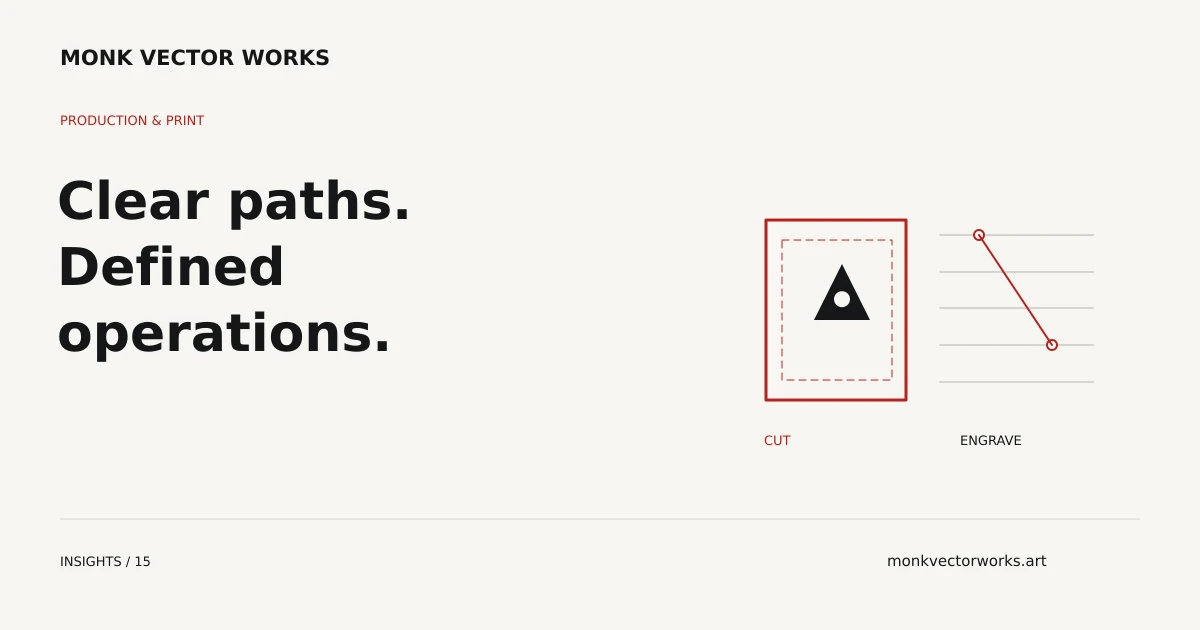
Laser cutting and engraving artwork needs to describe the intended operations clearly. Cutting contours, line engraving and filled engraving areas are different instructions, and the operator's software determines how those instructions should be supplied.
Start by asking the operator for accepted formats, dimensions and layer or color conventions. There is no universal rule that red always means cutting or black always means engraving.
Define the operations separately
Tell the artwork provider which contours should be cut, which lines should be marked and which regions should be engraved. Include a labeled visual reference if the distinction is not obvious from the source.
A decorative outline around a graphic may be a printed design feature rather than a cut path. A filled area may be intended for raster engraving rather than a contour operation. Those intentions should be resolved before export.
Check scale and geometry
Provide final dimensions and the unit of measurement. Duplicate contours can cause unintended repeated operations. Unwanted paths, stray objects and overlapping copies should be identified during cleanup.
Contours intended to form closed boundaries should be checked for gaps. Intentional open lines may be valid for a marking operation, so do not close every path indiscriminately. Shape construction should follow the actual task.
Confirm SVG or DXF compatibility
An SVG can contain live text, linked images, clipping and effects in addition to usable paths. A DXF export can also be interpreted differently depending on units, version and curve support. The extension alone does not establish compatibility.
Ask whether the operator prefers curves, splines or another supported representation. Verify that the exported geometry retains its scale and intended shapes in the receiving workflow. OSH Cut's file preparation guide provides one supplier example; your operator's specification remains the relevant requirement.
Treat operation colors as technical instructions
The visual colors of the design may differ from the colors used to identify operations. Confirm whether the source colors should be retained or replaced with the operator's palette, and label that change in the handoff.
Supply a preview that explains the intended appearance alongside the technical artwork. Power, speed and other machine settings belong to the operator's equipment and material workflow, not a generic design-file color rule.
Send the information needed for preparation
Include the source artwork, final size, material context, desired operations and the operator's accepted format and layer conventions. If parts must fit together, provide the operator's dimensional and kerf-compensation instructions rather than assuming one allowance works for every material.
Monk can scope cutting and engraving artwork preparation for that agreed handoff. Machine operation and physical cutting or engraving remain with your selected supplier.
From guidance to your project
We rebuild and prepare vector artwork for workflows that require clean paths, defined geometry and production-specific file organization.
Explore Cut & Engraving servicesExplore Cut & Engraving
Send your artwork, intended print process and required dimensions. We’ll confirm the preparation scope and quote.