
Production & Print
Your Design Is Finished. What Does the Printer Still Need?
By Monk Vector Works · October 6, 2026 · 3 min
Reviewed / updated: October 6, 2026
About the team behind this guide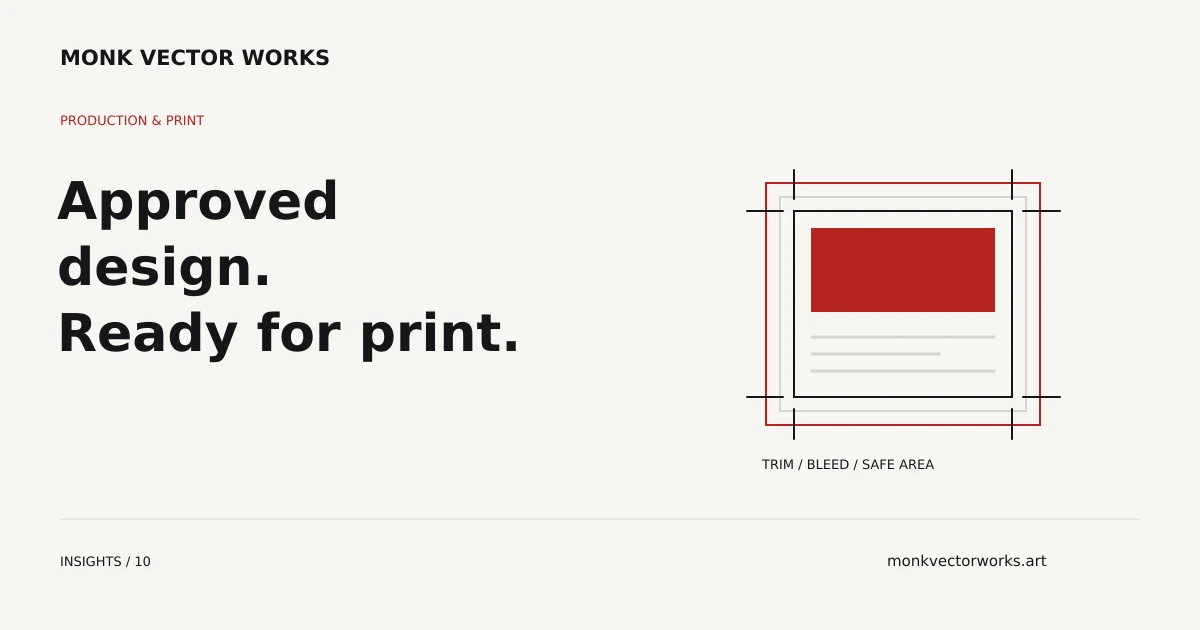
Design approval confirms the visual direction and content. Preparing the file for a printer confirms a different set of details: final dimensions, technical construction and the export settings requested for the job.
If your layout is finished, you may need print-ready file preparation rather than another design project. The starting point is the approved artwork together with the printer's written requirements.
Ask for the specification before exporting
Get the finished size, bleed requirement, safe area, accepted file format and color instructions from the supplier. Ask whether it wants printer marks and how special finishes should be identified. Defaults in design software do not substitute for those instructions.
For a folded piece or package, request the current template. For a large-format product, confirm whether the artwork should be supplied at full size or at an agreed scale. Record the unit of measurement so dimensions are not interpreted incorrectly.
Check what the approved layout actually contains
An editable layout may use linked images or fonts that are unavailable on another computer. A flattened export may look right but restrict corrections. Include the source and linked assets where available, and identify any licensing restrictions on font or image transfer.
Image quality should be assessed at the intended output size. Changing the resolution field without supplying more image detail does not repair a low-quality source. If a logo is the weak point, it may need reconstruction before final export.
Understand bleed and trim
Bleed extends relevant artwork beyond the trim edge so small cutting variations do not expose an unintended border. The required amount comes from the supplier. Adobe's bleed guidance explains the distinction between artwork extending beyond trim and marks indicating where to cut.
Keep important text and other content within the supplier's safe area. Adding a bleed setting during export does not create missing background artwork outside the original layout.
Keep the approval proof and production file distinct
A lightweight preview is useful for checking wording and appearance. The production export has a separate purpose and may contain color separations, technical layers or other supplier-specific elements.
Confirm the release version and withdraw outdated alternatives from the handoff. Label the file with its product, size and approved version rather than relying on “final-final.”
Request preparation for your printer
Send the approved layout, source assets, supplier specification and file deadline. State whether content changes are allowed or whether the work must preserve the approved appearance.
Monk can scope print-ready artwork preparation for the agreed supplier requirements. If you primarily need a technical review before approving an existing export, prepress may fit better.
From guidance to your project
We review and adjust artwork around the supplied requirements of its intended print or production process.
Explore Print-Ready Artwork servicesExplore Print-Ready Artwork
Send your artwork, intended print process and required dimensions. We’ll confirm the preparation scope and quote.