
Production & Print
Why Background Removal Alone May Not Make Your Artwork DTF-Ready
By Monk Vector Works · October 6, 2026 · 3 min
Reviewed / updated: October 6, 2026
About the team behind this guide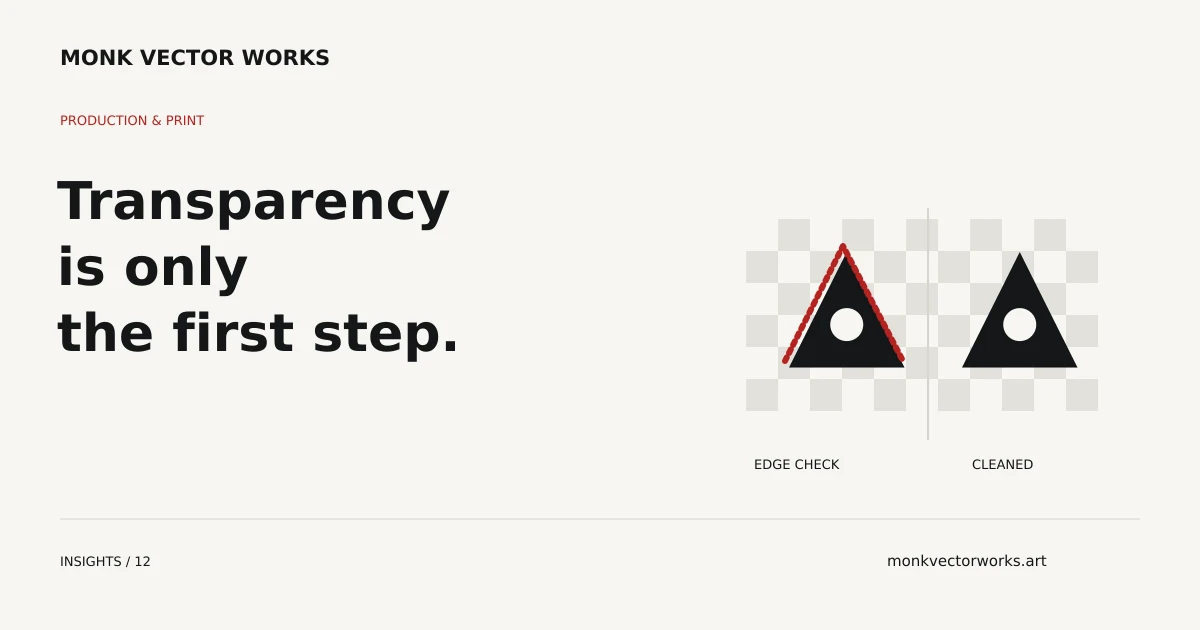
Removing a background solves one part of DTF artwork preparation. The remaining graphic can still contain rough edges, leftover pixels, weak detail or transparency effects that need attention before it is supplied to the printer.
The correct preparation depends on the original image, final print size and supplier workflow. A transparent PNG is a container for the artwork, not a guarantee that the artwork inside it is ready.
Inspect the edge, not just the background
An automatic cutout may leave a light fringe from the old background or remove thin parts of the design. Check the edge on both light and dark preview backgrounds so those conditions are easier to see.
Do not remove every small island automatically. Some may be intentional highlights or texture. The cleanup should distinguish unwanted pixels from details the design needs to preserve.
Assess the image at the requested size
A graphic that looks sharp as a small preview can become soft at a large back-print size. Supply the original file and the final dimensions. If important contours or lettering are unclear, manual rebuilding may be more useful than resampling the image.
Changing a resolution label does not restore details absent from the source. Some artwork can be cleaned; other artwork needs vector redraw or a revised treatment before a suitable export can be prepared.
Discuss soft effects with the supplier
Smoke, glows, shadows and translucent edges can interact with the supplier's white-ink and RIP settings. Do not assume the transfer will reproduce the same appearance as an image displayed over a white screen background.
Ask the supplier how it wants these effects prepared. The answer may involve keeping an effect, changing its treatment or simplifying it with approval. Artwork preparation should follow those instructions rather than impose one universal setting.
Separate a cleanup job from a new design
If the concept and main shapes are approved, the work may be edge cleanup, transparency preparation and export. If substantial details need rebuilding or the composition needs to change, identify that additional scope before starting.
For a hypothetical graphic with gray background remnants around black lettering, cleanup may focus on the fringe. A tiny screenshot of detailed artwork may require much more reconstruction even if both clients request “background removal.”
What to send for assessment
Send the highest-quality source, print dimensions, garment color and supplier specifications. Explain which textures and effects must remain. Specify whether you need one graphic export or a gang-sheet layout; those are different deliverables.
Monk prepares DTF artwork for the agreed requirements. Transfers, printing and physical production remain with your DTF supplier.
From guidance to your project
Have a logo with a background, rough edges or insufficient resolution for DTF? We remove unwanted backgrounds, repair artwork and prepare agreed transparent files to your printer’s specifications. Send your file for a project quote.
Explore DTF Artwork servicesExplore DTF Artwork
Send your artwork, intended print process and required dimensions. We’ll confirm the preparation scope and quote.